Scribus Software Download: Free Open-Source Desktop Publishing Software for Windows, Mac & Linux
Free Open-Source Desktop Publishing Software for Windows, Mac & Linux – Download, Features, Tutorial & InDesign Alternative
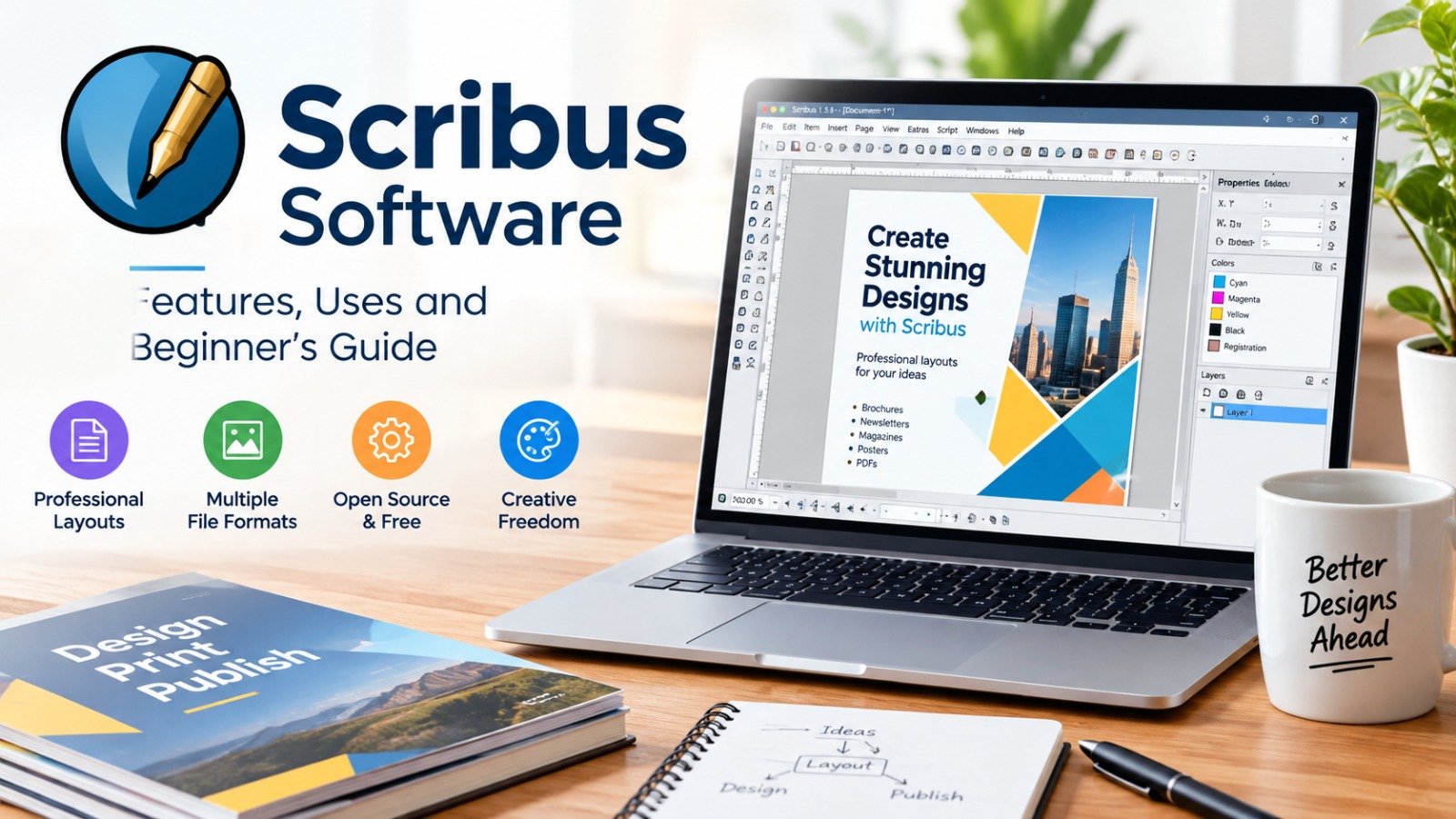
Scribus software is one of the best free desktop publishing programs for creating professional magazines, brochures, posters, newsletters, eBooks, and print-ready PDF files. It is an open-source alternative to Adobe InDesign and works on Windows, macOS, and Linux without any subscription or license fee.
Scribus is also useful for website owners, freelancers, and digital agencies that need professional PDF brochures, service guides, and lead magnets. If you want a business website that supports your branding and marketing materials, you can explore our website development services.
In this complete guide, you will learn what Scribus is, how to download Scribus for Windows 10, Windows 11, and Mac, its key features, system requirements, installation process, and how beginners can start using it for professional page layout design.
Scribus Software: What Is It and Why Is It Popular?
Scribus software is a free and open-source desktop publishing (DTP) application used for professional page layout and print design. It helps users create multi-page documents such as newspapers, magazines, books, flyers, business cards, posters, presentations, and technical documentation.
Unlike basic word processors, Scribus gives designers full control over text frames, images, colors, fonts, margins, grids, and page layout. It is especially useful for users who need print-quality output, including CMYK color support, spot colors, ICC color management, and PDF/X export.
Scribus is popular because it is completely free, regularly updated, cross-platform, and suitable for both beginners and professional designers. It is a strong choice for freelancers, small businesses, students, printers, publishers, and website owners who want to create downloadable PDF resources without paying for expensive design software.
Scribus Download: How to Download Scribus Safely?
Scribus download should always be done from the official Scribus website or a trusted source such as SourceForge. The official website provides installation packages for Windows, macOS, and Linux, helping users avoid fake or modified installers.
To download Scribus safely:
- Visit the official Scribus downloads page.
- Select your operating system: Windows, macOS, or Linux.
- Choose the latest stable version, preferably Scribus 1.6.x.
- Download the appropriate installer, such as 64-bit Windows or macOS build.
- Run the installer and follow the on-screen instructions.
Avoid downloading Scribus from unknown third-party websites. Some sites may bundle unwanted software or provide outdated versions. The official project and trusted repositories are the safest options for Scribus software download.
Scribus Software Free Download: Is Scribus Really Free?
Scribus software free download is available for personal and commercial use because Scribus is released under an open-source license. Users do not need to pay monthly subscription charges, purchase a license key, or activate the software.
Scribus is free because it is developed as open-source desktop publishing software. This means its source code is publicly available, and developers around the world can contribute improvements, bug fixes, translations, and new features.
For small businesses and content creators, this makes Scribus an excellent low-cost solution. You can create brochures, catalogs, magazines, and lead magnets for your website without investing in Adobe InDesign or other paid DTP tools.
Scribus for Windows 10: Download and Install on Windows PC
Scribus for Windows 10 is one of the most searched versions because many users still use Windows 10 for design and office work. Scribus also supports Windows 11, making it suitable for both older and newer Windows computers.
To install Scribus on Windows 10 or Windows 11:
- Download the Windows installer from the official Scribus website.
- Choose the 64-bit version if your PC supports it.
- Double-click the downloaded .exe file.
- Allow the installer to make changes to your device.
- Select the installation folder.
- Complete the installation and launch Scribus.
Most modern Windows PCs should use the 64-bit version. However, users with older systems may search for Scribus 32 bit download if their hardware or operating system requires it.
Scribus for Mac: Download Scribus on macOS
Scribus for Mac is available for macOS users who want a free desktop publishing tool without paying for InDesign. Scribus supports macOS systems and provides a dedicated macOS installer through its official download channels.
To install Scribus on Mac:
- Open the official Scribus downloads page.
- Select the macOS version.
- Download the compatible macOS installer.
- Open the downloaded file.
- Drag Scribus into the Applications folder or follow the installer instructions.
- Open Scribus from Launchpad or Applications.
Mac users should check macOS compatibility before downloading, especially if they use an older macOS version or an Apple Silicon device. Scribus is designed to run across multiple desktop platforms, including macOS, Windows, and Linux.
Scribus Desktop Publishing: Main Features of Scribus
Scribus desktop publishing software includes professional tools that make it suitable for real print and digital publishing work. It is not just a simple poster maker; it is a complete page-layout application.
Important Scribus features include:
- Professional page layout tools
- Master pages for repeated design elements
- Text frames and image frames
- Advanced typography and OpenType font support
- CMYK, RGB, LAB/HLC, and spot color support
- ICC-based color management
- PDF export, including professional PDF standards
- Support for magazines, books, newspapers, and brochures
- Templates and layout guides
- Python scripting for automation
- Multi-language and right-to-left text support
Scribus includes nearly 200 built-in color palettes, and version 1.6 added almost 400 more downloadable palettes. It also supports RGB, CMYK, LAB/HLC, spectral, and spot colors, which is important for professional printing.
Scribus Tutorial: How to Use Scribus for Beginners?
Scribus tutorial beginners usually start by creating a new document, adding text and image frames, and exporting the final design as a PDF. The interface may look different from Canva or Microsoft Word, but it becomes easy after understanding frames and layers.
Step 1: Create a New Document
Open Scribus and click File > New. Choose the page size, such as A4, Letter, A5, or a custom size. Set margins, number of pages, and orientation.
Step 2: Add a Text Frame
Click the Text Frame tool, draw a box on the page, and double-click it to add text. You can then change font, size, color, alignment, line spacing, and paragraph style.
Step 3: Insert Images
Use the Image Frame tool to create a space for an image. Right-click the frame, choose Get Image, and select a picture from your computer. Resize and position it according to your layout.
Step 4: Use Master Pages
Master pages help you add repeated elements such as page numbers, headers, footers, logos, and background designs. This is very useful for magazines, eBooks, and long reports.
Step 5: Export as PDF
Go to File > Export > Save as PDF. Choose the PDF settings based on your purpose. For online sharing, use a standard PDF. For professional printing, use PDF/X settings when required.
Scribus supports versatile PDF creation and professional prepress features, making it useful for both digital and print publishing.
Scribus vs InDesign: Which Desktop Publishing Software Is Better?
Scribus vs InDesign is a common comparison because both are professional desktop publishing programs. Adobe InDesign is more advanced and widely used in large publishing companies, while Scribus is free, open-source, and ideal for budget-conscious users.
| Feature | Scribus | Adobe InDesign |
|---|---|---|
| Price | Free and open source | Paid subscription |
| Platform | Windows, macOS, Linux | Windows, macOS |
| Best for | Small businesses, freelancers, beginners | Professional publishers and agencies |
| CMYK support | Yes | Yes |
| PDF export | Yes | Yes |
| Learning curve | Moderate | Moderate to advanced |
| Templates and plugins | Available | Larger professional ecosystem |
| Cost for commercial use | Free | Subscription required |
Whether you choose Scribus or InDesign, strong visual branding works best when it is supported by a professionally designed website. Learn more about our professional website development services.
Scribus is the better option if you want a free InDesign alternative for brochures, magazines, posters, and PDF design. InDesign may be better for large teams that need advanced automation, cloud collaboration, and deep integration with other Adobe Creative Cloud apps.
Scribus 1.6 Download: Why Choose the Latest Version?
Scribus 1.6 download is recommended for most users because the 1.6 series replaced the older stable 1.4.8 version and the 1.5.x development series. Scribus 1.6 introduced major improvements, including a refreshed interface, light and dark modes, new icons, HiDPI support, and many stability improvements.
The latest stable Scribus release is part of the 1.6.x series. It offers better performance, improved features, and more reliable PDF and publishing tools compared with older versions.
If you are downloading Scribus for the first time, choose the latest stable 1.6 version rather than old releases such as Scribus 1.4.5, 1.4.6, 1.4.7, or 1.4.8. Older versions may still work, but they lack newer improvements and security updates.
Scribus System Requirements: Can Your PC Run Scribus?
Scribus system requirements are generally modest, which makes it suitable for older computers as well as modern laptops. However, complex magazine layouts, high-resolution images, and large PDF files require more RAM and processing power.
Typical requirements include:
- Windows 10 or Windows 11, macOS, or Linux
- 64-bit processor recommended
- At least 4 GB RAM; 8 GB recommended for heavy design work
- Minimum 500 MB free disk space
- Modern graphics support for smooth canvas performance
- Internet connection only for downloading the installer and updates
Scribus runs on multiple desktop operating systems, including Windows, macOS, and Linux distributions.
Scribus Online: Can You Use Scribus in a Browser?
Scribus online is a common search term, but Scribus is primarily a desktop application, not a browser-based design tool. You cannot use the full Scribus software directly in a web browser like Canva or Google Docs.
However, you can use cloud storage services to save Scribus files and access them from different computers. You can also install Scribus on a Windows, Mac, or Linux system and work with files stored online.
If you need a browser-based design tool, Canva may be easier for quick social media graphics. But for print-ready magazines, books, brochures, and professional PDF layouts, desktop Scribus software is more powerful.
Scribus Python API: Automate Design Work With Python
Scribus Python API allows advanced users to automate repetitive design tasks using Python scripts. This is helpful when creating catalogs, product lists, directories, reports, or documents with repeated layouts.
With Python scripting, users can:
- Automatically create text frames
- Insert images in bulk
- Generate page numbers
- Apply styles across documents
- Create templates for catalogs and reports
- Automate PDF export
This feature makes Scribus more flexible than many free design tools. Developers and technical users can extend Scribus functionality through the Python API.
Scribus Examples: What Can You Create With Scribus?
Scribus examples include many real-world publishing projects. Because it supports multi-page layouts and professional PDF export, it can be used for both digital and printed materials.
Popular Scribus projects include:
- Company brochures
- Product catalogs
- Magazines and newsletters
- Newspapers
- Posters and flyers
- Business cards
- Books and eBooks
- Annual reports
- Resume and portfolio designs
- Presentation handouts
- Website lead magnets and PDF guides
For example, a website development agency can use Scribus to design a free website checklist, service brochure, or client onboarding guide. If you need a professional website for your business, explore our website design and development services.
For website owners, Scribus is especially useful for creating downloadable PDF guides, checklists, ebooks, and promotional brochures that can be offered as lead magnets.
Scribus Manual: Best Way to Learn Scribus Quickly
Scribus manual resources are available through the official Scribus Wiki, community documentation, and online tutorials. Beginners should start with basic document setup, frames, layers, styles, and PDF export.
The official Scribus Wiki provides welcome guides and help documentation for new users. It explains the page-layout program’s features and helps users understand professional publishing tools.
For faster learning, practice by recreating a simple flyer, then move to a two-page brochure, and finally create a multi-page magazine or eBook.
Scribus for Website Development: Why Website Owners Should Use It?
Scribus for website development may sound unusual, but it is highly useful for creating downloadable assets that support a website’s content strategy. Website owners can use Scribus to design PDF guides, service brochures, case studies, checklists, and lead magnets.
For example, a web development agency can create:
- A free “Website Checklist PDF”
- A brochure explaining website packages
- A case study in magazine format
- A downloadable SEO guide
- A client onboarding document
- A printable website maintenance checklist
These PDFs can be used for email marketing, lead generation, social media promotion, and improving user engagement. Since Scribus is free, agencies and freelancers can create professional documents without adding software costs.
Website owners can use Scribus to create downloadable PDF guides, service brochures, case studies, and lead magnets. A well-designed website combined with professional downloadable resources can improve user trust and conversions. To build a fast, responsive, and SEO-friendly business website, visit our website development company.
Scribus FAQs
Is Scribus software free?
Yes, Scribus is completely free and open-source desktop publishing software. You can download and use it for personal and commercial projects.
Is Scribus available for Windows 11?
Yes, Scribus works on Windows 11 as well as Windows 10 and earlier supported Windows versions.
Is Scribus better than Canva?
Scribus is better for print-ready, multi-page, professional layouts. Canva is easier for quick social media graphics, but Scribus offers stronger control over typography, color management, and PDF output.
Can Scribus replace Adobe InDesign?
Scribus can replace InDesign for many small and medium design projects. However, InDesign remains more advanced for large publishing teams and complex professional workflows.
Does Scribus support PDF export?
Yes, Scribus supports PDF export and professional publishing standards, including features useful for print production.
Is Scribus good for beginners?
Yes, beginners can learn Scribus with basic tutorials. The frame-based workflow takes some time, but it becomes easy once users understand text frames, image frames, layers, and master pages.
Can I use Scribus on iPad or iPhone?
No, Scribus does not have a full official iPad or iOS version. It is mainly designed for desktop operating systems such as Windows, macOS, and Linux.
Final Thoughts on Scribus Software Download
Scribus software download is an excellent choice for anyone looking for free, professional desktop publishing software. It provides powerful page-layout tools, CMYK color support, PDF export, master pages, and Python automation without any subscription cost.
If you are creating brochures, catalogs, or PDF guides to promote your business online, pair them with a high-quality website. Our website development services can help you build a responsive, SEO-friendly website that turns visitors into customers.
Whether you are a freelancer, student, small business owner, printer, or website developer, Scribus can help you create high-quality brochures, magazines, posters, catalogs, and PDF documents. For the best experience, always download the latest stable version from the official Scribus website and choose the correct installer for your operating system.
