Common Checkout Problems in Online Stores: Causes and Solutions
Understand checkout challenges that affect online purchases and discover practical solutions to improve customer experience.
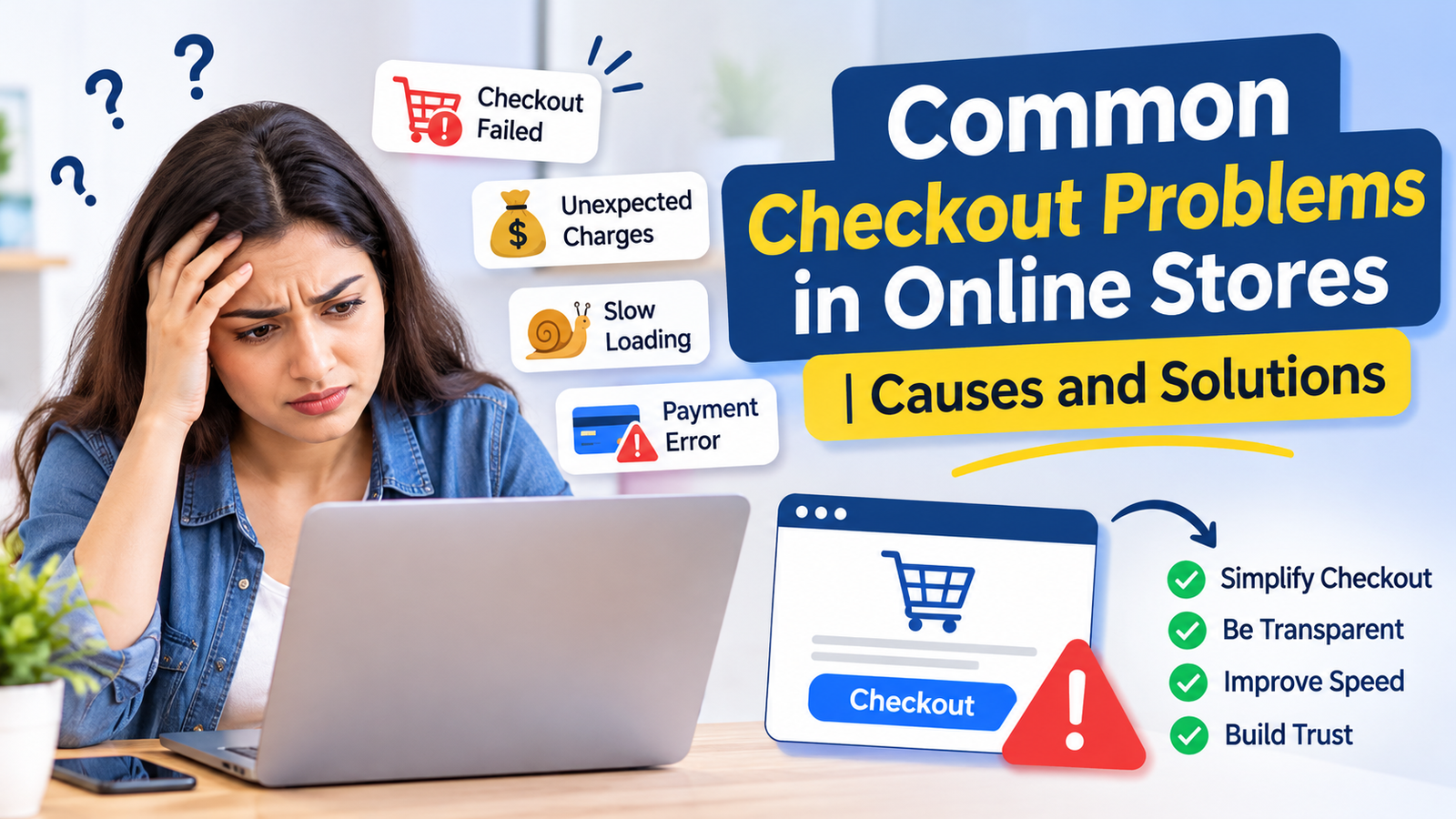
A smooth checkout process is essential for every successful eCommerce business. Online shoppers may browse products, compare prices, and add items to their carts, but even a small issue during checkout can stop them from completing a purchase. Slow-loading pages, unexpected charges, complicated forms, and payment failures are some common reasons customers abandon their shopping carts.
Understanding common checkout problems in online stores helps businesses identify issues that affect customer experience and reduce completed orders. By improving the checkout process, online retailers can make purchasing easier, build customer confidence, and increase sales.
In this article, we will explore the most frequent checkout challenges faced by online stores and practical ways to solve them.
1. Complicated Checkout Process
One of the biggest challenges in eCommerce is a lengthy checkout process. When customers have to complete multiple pages, fill out unnecessary details, or create an account before purchasing, they may lose interest.
How to solve it:
- Reduce unnecessary checkout steps.
- Keep forms short and simple.
- Allow guest checkout.
- Display a clear checkout progress indicator.
- Request only essential customer information.
A simple checkout experience helps customers complete their purchases without unnecessary effort.
2. Unexpected Shipping Costs and Additional Charges
Unexpected costs are another major reason shoppers abandon their carts. Customers may add products at an advertised price but discover additional shipping fees, taxes, or handling charges during checkout.
This can create frustration and reduce trust in an online store.
How to solve it:
- Display shipping charges before checkout.
- Clearly mention applicable taxes.
- Provide free shipping thresholds where practical.
- Avoid introducing hidden fees at the final payment stage.
- Show the complete order total before confirmation.
Transparent pricing helps customers make informed purchasing decisions.
3. Payment Gateway Errors
Payment failures can directly affect online store revenue. Customers may experience declined transactions, payment gateway timeouts, processing errors, or failed UPI and card payments.
Repeated payment problems can discourage customers from trying again.
How to solve it:
- Integrate reliable payment gateways.
- Offer multiple payment methods.
- Regularly test payment functionality.
- Keep payment gateway integrations updated.
- Display clear messages when a transaction fails.
- Provide a secure retry option.
Businesses should also ensure that payment pages work properly across different browsers and devices.
4. Slow Checkout Page Loading Speed
Website speed plays an important role in online shopping. If checkout pages take too long to load, customers may leave before completing their orders.
Large images, unnecessary scripts, poor server performance, and unoptimized website code can affect loading speed.
How to solve it:
- Optimize images and website resources.
- Reduce unnecessary third-party scripts.
- Use reliable hosting.
- Enable caching where appropriate.
- Monitor checkout page performance.
- Test loading speed on mobile devices.
A fast checkout experience makes purchasing more convenient and reduces unnecessary interruptions.
5. Lack of Guest Checkout Option
Some shoppers prefer not to create an account just to purchase a product. Forcing customers to register can create additional friction, especially for first-time visitors.
How to solve it:
- Provide a guest checkout option.
- Allow account creation after purchase.
- Offer simple social login options where appropriate.
- Avoid making registration mandatory.
Giving customers flexibility can make the buying process more convenient.
6. Poor Mobile Checkout Experience
A large number of online shoppers use smartphones to browse and purchase products. However, some eCommerce websites are not properly optimized for smaller screens.
Small buttons, difficult navigation, poorly arranged forms, and payment issues can make mobile checkout frustrating.
How to solve it:
- Use responsive checkout layouts.
- Make buttons easy to tap.
- Keep forms mobile-friendly.
- Support mobile payment options.
- Test checkout on different screen sizes.
- Avoid unnecessary pop-ups.
A mobile-friendly checkout process helps customers shop comfortably from their smartphones.
7. Website Security and Trust Concerns
Customers need to feel confident before entering their personal and payment information. If an online store looks outdated or does not communicate its security practices, shoppers may hesitate to complete their purchases.
How to solve it:
- Use HTTPS and a valid SSL certificate.
- Integrate trusted payment providers.
- Display clear privacy policies.
- Provide accessible contact information.
- Show transparent return and refund policies.
- Avoid unnecessary requests for sensitive information.
Building trust is essential for encouraging customers to complete online transactions.
8. Incorrect Product or Cart Information
Sometimes customers encounter differences between the product details displayed on the product page and the information shown during checkout. Incorrect prices, unavailable inventory, outdated discounts, or unexpected quantity changes can create confusion.
How to solve it:
- Synchronize product and inventory information.
- Display accurate pricing.
- Validate coupon codes automatically.
- Update stock availability regularly.
- Show a clear order summary before payment.
Accurate cart information helps prevent confusion and improves the overall shopping experience.
9. Coupon Code and Discount Issues
Discount codes can encourage customers to purchase, but technical problems with coupons may create checkout difficulties. Expired codes, unclear conditions, or incorrect discount calculations can frustrate shoppers.
How to solve it:
- Clearly mention coupon conditions.
- Validate discount codes in real time.
- Display error messages in simple language.
- Show the final discounted price.
- Test promotional campaigns before launching them.
A properly managed discount system makes promotional offers easier to use.
10. Lack of Clear Order Confirmation
After completing a payment, customers expect confirmation that their order has been successfully placed. If the confirmation page does not load or an email is not delivered, customers may become uncertain about their purchase.
How to solve it:
- Display an order confirmation page.
- Generate a unique order number.
- Send confirmation emails or SMS messages.
- Provide order tracking information.
- Clearly communicate payment status.
Good post-purchase communication improves customer confidence and reduces support requests.
Best Practices to Improve the eCommerce Checkout Experience
Online businesses can improve checkout performance by following a few important practices:
- Keep the checkout simple: Avoid unnecessary steps and complicated forms.
- Offer multiple payment options: Support cards, UPI, net banking, and other relevant methods.
- Improve website performance: Optimize loading speed and checkout functionality.
- Prioritize mobile usability: Make the entire purchasing journey responsive.
- Build customer trust: Communicate security, privacy, and refund policies clearly.
- Test regularly: Check checkout functionality after website updates.
- Monitor cart abandonment: Identify where customers leave the purchasing process.
- Provide customer support: Make assistance available when shoppers experience difficulties.
These practices can help online stores create a smoother purchasing journey.
Conclusion
Checkout problems can affect customer satisfaction, conversion rates, and overall eCommerce performance. From complicated forms and payment failures to unexpected charges and mobile usability issues, even small obstacles can prevent customers from completing their purchases.
Identifying and fixing these challenges should be an important part of every online store's optimization strategy. A simple, secure, transparent, and mobile-friendly checkout experience can help businesses improve customer confidence and encourage more successful transactions.
If you want to improve your online store's performance, investing in professional eCommerce website development can help create a reliable shopping experience with user-friendly checkout functionality, secure payment integration, and responsive design.
Frequently Asked Questions (FAQs)
1. What are the most common checkout problems in online stores?
Common issues include complicated checkout forms, payment failures, unexpected shipping charges, slow loading speed, poor mobile design, and security concerns.
2. Why do customers abandon their shopping carts?
Customers may abandon carts because of unexpected costs, mandatory account creation, complicated checkout steps, limited payment options, or technical errors.
3. How can an online store reduce checkout abandonment?
Businesses can reduce checkout abandonment by simplifying forms, offering guest checkout, displaying transparent pricing, improving website speed, and providing multiple payment options.
4. Why is mobile checkout optimization important?
Mobile optimization makes it easier for smartphone users to navigate checkout pages, enter information, and complete payments without difficulty.
5. How does website development improve the checkout experience?
Professional website development helps businesses implement responsive layouts, secure payment gateways, faster loading pages, and streamlined purchasing processes.