Free Website with Free Domain: Best Website Builders
Discover the Best Free Website Builders to Create Your Own Website with Free Hosting and Domain Options in 2026.
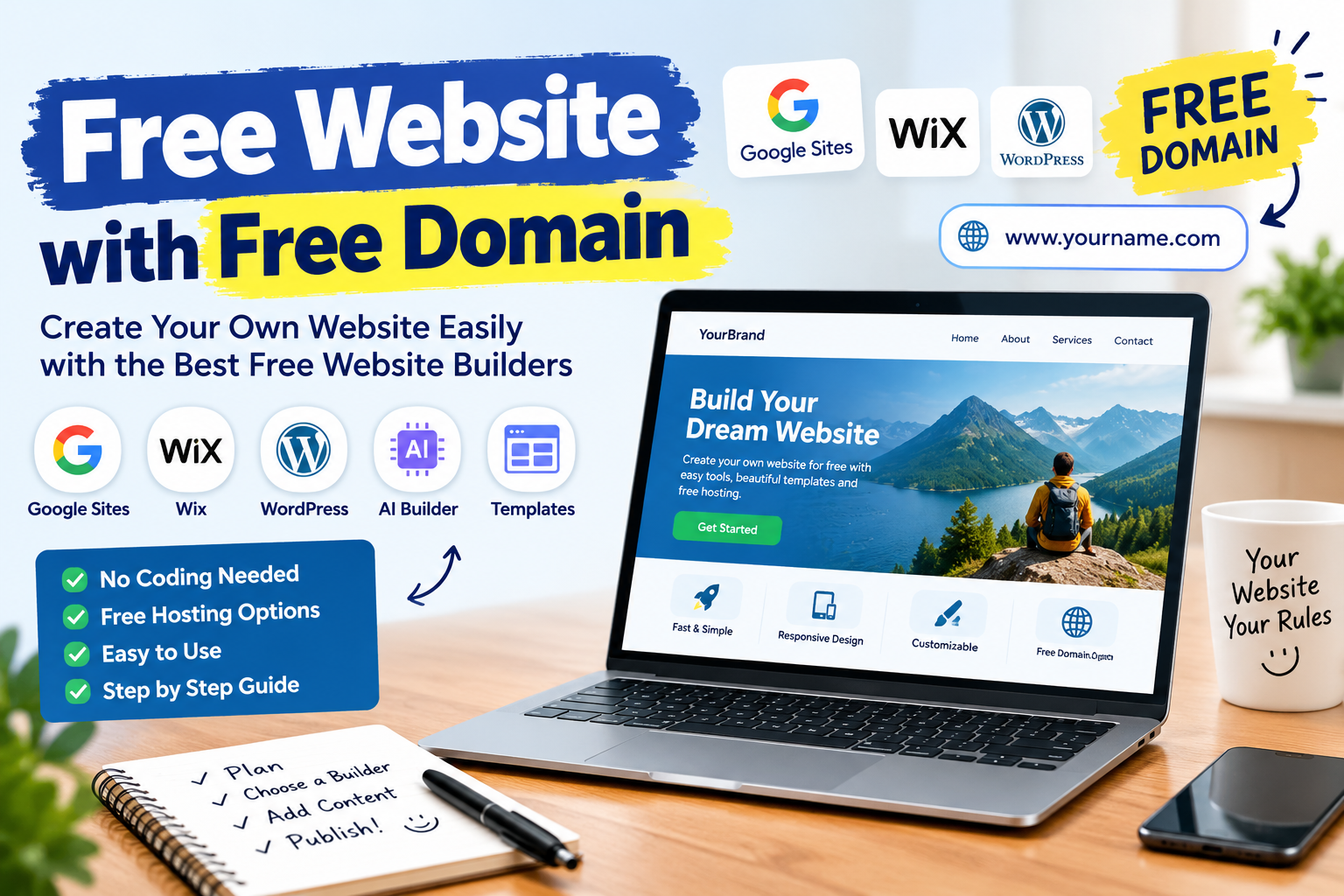
Creating a website is easier than ever, even if you have no coding knowledge or a limited budget. Whether you want to start a business, publish blog posts, showcase your portfolio, or build an online presence, you can use a free website with free domain options to get started without making a large investment.
Today, several platforms offer a free website builder, ready-made website design templates, hosting, and easy editing tools. Some platforms also provide AI website generators that can create a website layout from a simple text description. However, it is important to understand that a free website address is not always the same as a free custom domain.
If you want to create a website free, this guide explains the best free website builders, how to make your own website, and which platform may be suitable for your personal or business needs.
What Is a Free Website with Free Domain?
A free website with free domain generally means a website that you can create and publish without paying an initial website-building fee. Depending on the platform, you may receive free hosting and a website address under the platform's domain.
For example, your website address might look like:
- yourbusiness.wordpress.com
- A Google Sites published web address
- A free subdomain provided by a website builder
These addresses allow you to publish a website without purchasing a separate domain name immediately.
A custom domain, such as yourbusiness.com, is different. Most established website builders charge for custom domain registration, although selected paid plans include a domain for the first year.
Therefore, if you want a free website and domain, check whether the offer includes a custom domain or only a platform-branded subdomain.
Best Free Website Builders to Create a Website
Choosing the right platform depends on your purpose, technical knowledge, design preferences, and future plans. Some free websites to make a website are suitable for beginners, while others offer more flexibility for blogging and business websites.
1. Google Sites: Create a Free Website with Google
Google Sites is a useful option for people who want to create a simple website without learning programming. You can use it to publish project information, business details, educational resources, event pages, and team websites.
The Google Sites free website builder provides a visual editing interface. You can add text, images, pages, Google Docs, videos, and other supported content.
Main features:
- Easy website creation and editing
- Ready-made layouts and customizable themes
- Integration with Google services
- Website publishing without separate hosting arrangements
- Support for connecting an eligible custom domain
To create a free website with Google, visit Google Sites, choose a template, add your content, and click Publish. You can follow Google's official instructions at https://support.google.com/sites/answer/6372878.
Google Sites is particularly useful for beginners who want a straightforward website. However, it offers less flexibility for advanced SEO, extensive blogging, and complex online stores than some dedicated website platforms.
2. Wix Free Website Builder
Wix is a popular online website maker for users who want to design a visually appealing website. Its drag-and-drop editor and pre-designed layouts make it possible to create websites without writing code.
The Wix free website builder is suitable for experimenting with website design, creating personal pages, and building an initial online presence.
Main features:
- Visual website editing
- Website design templates
- Image galleries and content sections
- AI-assisted website creation tools
- Hosting included with the platform
Wix lets users create a website for free, but a free plan may include Wix branding and a platform-branded website address. Connecting a custom domain and unlocking additional business features generally requires a paid plan.
Visit https://www.wix.com/ to explore its website-building options.
3. WordPress.com Free Website Builder
WordPress.com is another option for creating a free website, especially if you want to publish articles, tutorials, news, or personal blog posts.
Its free website builder includes hosting, themes, and a content editor. You can create pages, publish blog posts, and organize your content into categories.
Main features:
- Free blogging platform
- Website themes and customization
- Content publishing tools
- Hosting included
- Basic website statistics
The free plan generally provides a WordPress.com subdomain rather than a custom domain. Advanced customization, additional features, and a custom domain may require an upgrade.
If you plan to publish content regularly, WordPress.com is worth considering. You can start at https://wordpress.com/free/.
Remember that WordPress.com and WordPress.org are different. WordPress.com is a hosted service, while WordPress.org provides open-source software that you can install on compatible hosting.
4. Hostinger Website Builder
The Hostinger website builder is designed for users who want to create professional-looking websites with a relatively simple editing process.
It offers website templates, AI-assisted tools, and features intended for business websites, landing pages, and online stores. However, do not assume that its full website builder or a custom domain is permanently available at zero cost.
Features to consider:
- Pre-designed website templates
- AI-assisted content and website creation
- Visual editing tools
- Business website functionality
- Hosting and domain offers through eligible plans
Hostinger may be a suitable option if you want to move beyond a basic free website and build a more professional online presence. Compare the current plans, renewal prices, and domain conditions before purchasing.
Website: https://www.hostinger.com/
5. Other Website Creation Platforms
Several other website-building sites can help you create a website depending on your requirements.
- Carrd: Useful for simple landing pages and personal profile websites.
- Webflow: Suitable for users interested in advanced visual design and greater layout control.
- Google Blogger: An option for publishing blogs without setting up separate hosting.
- Canva Websites: Useful for visually focused, simple websites and portfolio-style pages.
- GitHub Pages: Suitable for technical users who want to publish static websites and are comfortable working with files or code.
Free features, publishing limits, and custom domain support vary by platform. Review the official terms before choosing one.
Comparison of the Best Free Website Builders
| Website builder | Best suited for | Free publishing option | Custom domain |
|---|---|---|---|
| Google Sites | Simple websites and projects | Yes | Connect an eligible domain |
| Wix | Visual and personal websites | Yes, with limitations | Usually requires a paid plan |
| WordPress.com | Blogs and content websites | Yes | Generally requires a paid plan |
| Hostinger | Business websites and landing pages | Check current offers | Depends on the plan |
| Blogger | Blogging | Yes | Custom domain can be connected |
| GitHub Pages | Static websites | Yes | Supported with configuration |
These options are not identical. Some are fully hosted website builders, while others focus on blogging or publishing static websites. Choose according to your intended use rather than comparing them on price alone.
How to Create a Website Free Step by Step
If you are a beginner, you can create your own website by following a few straightforward steps.
Step 1: Decide the Purpose of Your Website
Before choosing an online website creator, decide what you want your website to accomplish.
For example, you may want to create:
- A website for a small business
- A personal blog
- An online portfolio
- A landing page for a service
- An educational or informational website
- A website for a community or project
Your purpose determines which website maker and design template will work best.
Step 2: Select a Free Website Builder
Choose a platform that matches your requirements. Google Sites is a simple starting point for informational websites, Wix provides visual design tools, and WordPress.com is useful for blogging.
Compare the available free features, storage limits, branding restrictions, and publishing options before creating an account.
Step 3: Choose a Website Design Template
Template websites make website creation easier because the basic structure is already prepared.
Select a template that matches your business or topic. A business website may need a homepage, services page, about page, and contact page. A blog may need a homepage, category sections, and individual article pages.
Customize the template with your own text, images, colors, and branding. Avoid copying another website's content or copyrighted images without permission.
Step 4: Add Important Website Pages
A useful website should provide clear information to visitors.
For a small business, consider adding:
Home: Introduce your business and explain what you offer.
About Us: Share information about your business, experience, or purpose.
Services or Products: Explain your services, products, and benefits.
Contact Us: Provide appropriate contact information or a contact form.
Privacy Policy: Explain how you handle personal information if your website collects it.
For a blog, organize your articles into relevant categories and make navigation easy.
Step 5: Choose Your Free Website Address
Most free website-building sites offer a platform-branded subdomain. Choose a short, memorable address that represents your topic or business.
If your chosen address is unavailable, try a simple variation that remains easy to remember.
If you need a custom domain such as example.com, check whether the website builder supports connecting one and whether registration or renewal fees apply.
Step 6: Optimize Your Website for Mobile Devices
A website should be easy to use on phones, tablets, and desktop computers.
Check whether text is readable, images fit the screen, buttons are easy to tap, and menus work properly. Avoid excessive animations and unnecessarily large images that may slow down the page.
Step 7: Publish Your Website
Review every page before publishing. Check spelling, links, images, contact details, and navigation.
Once everything looks correct, use the platform's Publish option. Open the published website in a separate browser window to ensure that visitors can access it.
Step 8: Improve Your Website's SEO
Publishing a website is only the beginning. Search engine optimization helps search engines understand your content and may improve its visibility in relevant search results.
Start by writing a unique title and meta description for each important page. Use descriptive headings, relevant keywords, helpful content, and clear internal links.
You can also explore Google Search Console to monitor search performance and identify technical issues.
Can You Get a Free Website and a Custom Domain?
Yes, you can publish a website without paying for the website builder itself, but getting a completely free custom domain is more difficult.
There are three common arrangements.
1. Free website with a subdomain: You create a website and publish it using an address provided by the platform. This is usually the easiest zero-cost option.
2. Free website with a connected domain: Some platforms allow you to connect a domain you already own. The website builder may be free, but the domain itself still has a registration cost.
3. Website plan with a free domain offer: Certain paid annual plans include a custom domain for the first year. The website plan is still paid, and domain renewal may cost extra.
For example, Wix advertises a free domain for one year with eligible plans. WordPress.com also offers a first-year custom domain with qualifying annual or multi-year plans. These are promotional inclusions, not necessarily permanently free domains.
Before selecting a free domain website builder, check the total cost, renewal charges, hosting terms, and whether you can transfer your website later.
Best Free Website Builder for Small Business
The best free website builder for small business depends on the type of business and the features you need.
For a local service provider, a simple website with business details, services, contact information, and customer enquiries may be sufficient.
Google Sites can work for a basic informational website. Wix may be useful when visual design is important, while WordPress.com is a good starting point for businesses that want to publish articles and guides.
However, if you need a custom domain, professional email, online payments, appointment booking, advanced analytics, or extensive SEO controls, you may eventually need a paid plan.
A free website is a practical way to test an idea, but compare the long-term costs before using it as the main website for an established business.
Free AI Website Builder: Can AI Create a Website?
An AI website generator helps you create a website layout by describing what you need. Depending on the platform, it may generate page sections, suggested text, design elements, and images.
For example, you might enter:
"Create a website for a digital marketing business with a homepage, SEO services, about section, testimonials, and contact form."
The AI website builder may then prepare an initial layout that you can customize.
Benefits of a free AI website builder include:
- Faster initial website creation
- Suggested layouts and page structures
- Assistance with writing basic website content
- Less manual design work
- A useful starting point for beginners
However, not every AI website generator is completely free. Some offer limited free creation but require payment to publish the site, connect a custom domain, or access advanced tools.
Always review the generated content for accuracy, originality, accessibility, and suitability for your audience.
How to Make a Website Free on Google Sites
If your main goal is to create a Google website for free, follow this simple process:
- Open Google Sites and sign in to your Google Account.
- Select a blank site or a suitable template.
- Enter your website name and add your page content.
- Insert images, text sections, buttons, and supported Google files.
- Create additional pages and organize your navigation menu.
- Preview your site and check its appearance on different screen sizes.
- Click Publish and choose the available web address.
- Review the sharing and publishing settings.
You can find additional guidance in the official Google Sites Help Center.
Google Sites is a useful option for basic websites, but it is not a complete replacement for every professional website platform. If you need advanced e-commerce, complex blog management, or extensive customization, compare other website builders before making your decision.
Tips for Choosing the Best Free Website Maker
Before choosing a free online website builder, evaluate the following points.
Ease of use: Select a website maker that matches your technical skills.
Templates: Check whether the platform offers suitable, customizable website design templates.
Hosting: Confirm that website hosting is included and understand any storage or traffic restrictions.
Domain options: Determine whether you receive a subdomain or can connect a custom domain.
SEO features: Look for options to edit page titles, descriptions, URLs, and other relevant settings.
Mobile responsiveness: Make sure the website works properly on mobile devices.
Future flexibility: Consider whether you can upgrade your plan or move your website to another platform if your needs change.
Total cost: Review subscription fees, domain renewal prices, transaction charges, and other potential expenses.
The best site builder is not necessarily the one with the most features. It is the one that meets your current needs without creating unnecessary complexity.
Conclusion
Creating a free website with free domain options is a practical way to begin building an online presence without a large initial budget. Platforms such as Google Sites, Wix, and WordPress.com provide accessible website-building options for beginners, while other services cater to blogging, portfolios, landing pages, and more specialized requirements.
Start by defining your website's purpose, choosing an appropriate free website builder, selecting a template, and publishing useful content. Remember that a free platform subdomain is different from a custom domain, and some advanced features may require payment.
If you are testing a business idea or creating a personal website, a free website can be an excellent starting point. As your audience and requirements grow, you can decide whether investing in a custom domain and additional website features makes sense.