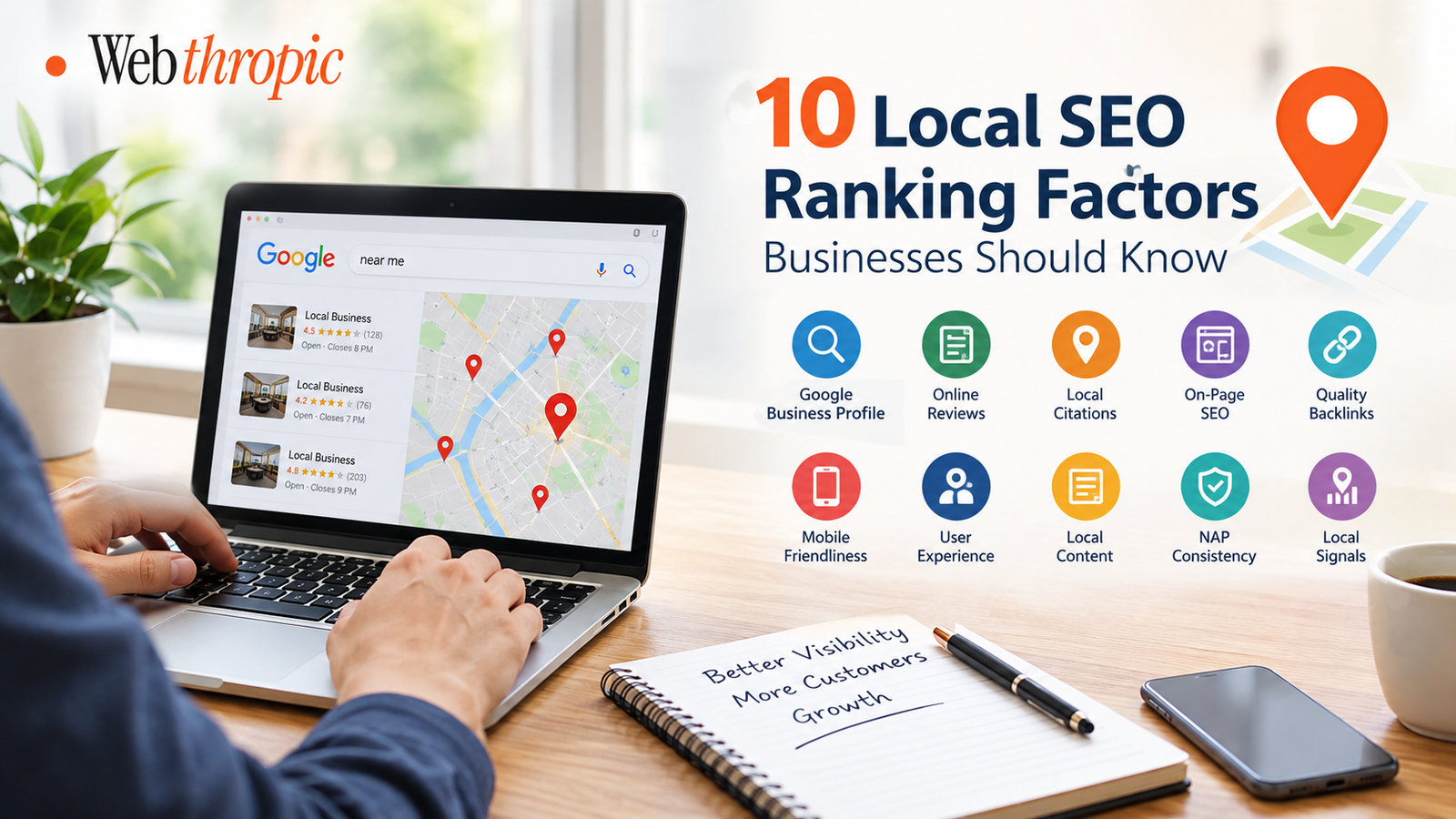
Google Business Profile Optimization Tips to Improve Local Visibility
Practical Ways to Improve Your Business Profile and Reach More Local Customers
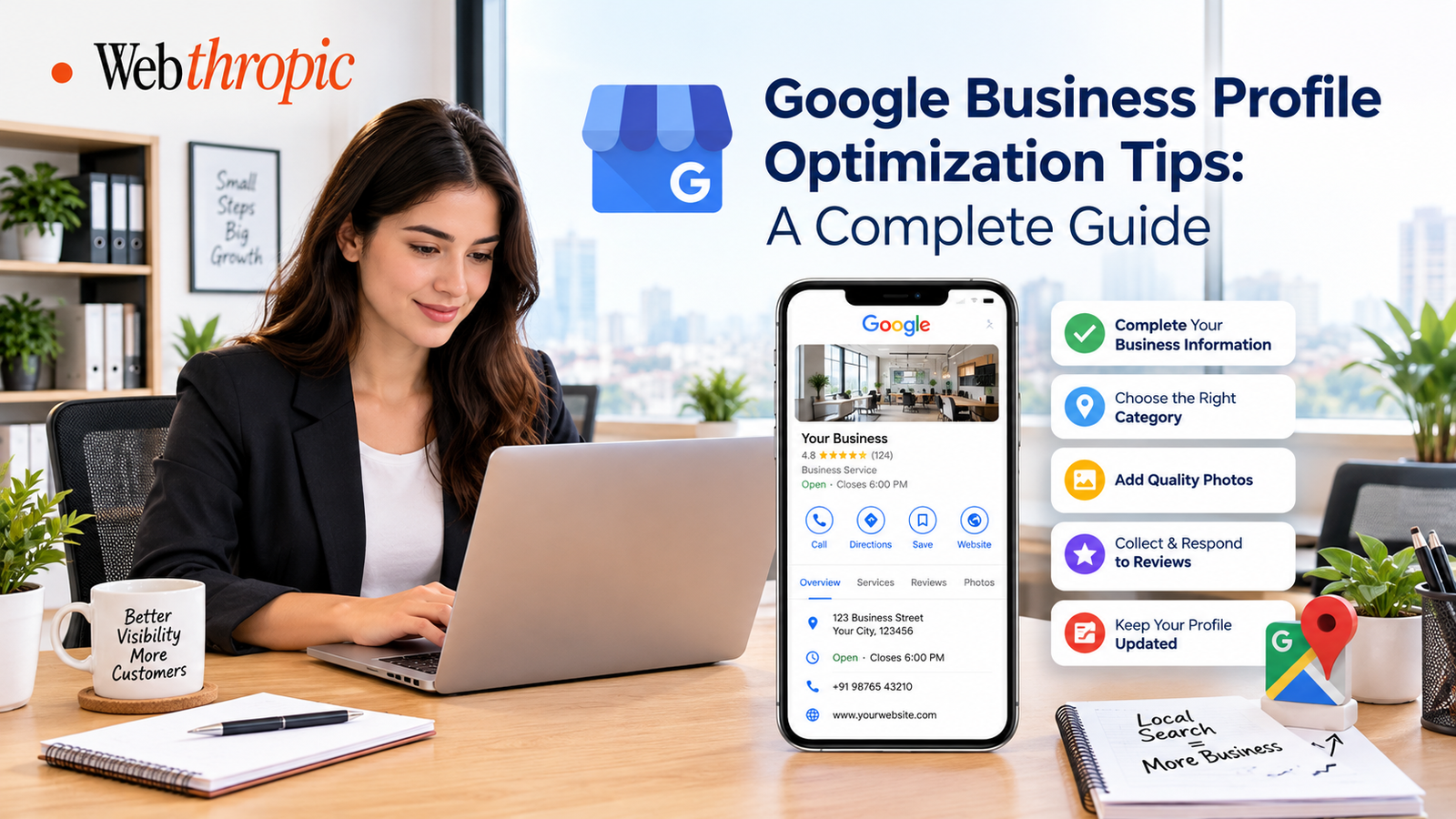
For businesses that want to attract nearby customers, maintaining an accurate and informative online presence is essential. Many people search Google for local shops, service providers, restaurants, and professional businesses before deciding whom to contact.
A well-maintained Google Business Profile can help businesses appear in relevant Google Search and Google Maps results. However, simply creating a profile is not enough.
Businesses need to provide accurate information, choose appropriate categories, upload useful photos, respond to customer reviews, and keep their details updated. These activities help potential customers understand what a business offers and how they can get in touch.
1. Complete Every Important Business Detail
One of the first steps is to ensure that your business profile contains complete and accurate information. Customers should be able to find essential details without visiting multiple websites.
Include your business name, address or service area, phone number, website, business hours, and relevant business information. Check these details regularly and update them whenever something changes.
Consistency is particularly important. If your contact details differ across your website, business profile, and other online directories, customers may become confused. Accurate information also helps Google understand your business.
Avoid adding unnecessary keywords or promotional phrases to your business name. Use the actual name your business operates under.
2. Choose the Most Relevant Business Category
Your primary business category helps Google understand the main service or product your business provides. Choosing an accurate category is therefore an important part of profile management.
Select the category that best represents your main business activity. You can also add relevant secondary categories when they accurately describe additional services.
For example, a company that primarily provides website development should select an appropriate website development category if available, rather than choosing unrelated categories simply to reach more people.
Review your categories periodically, especially if your business expands or changes its services. Avoid adding categories that do not genuinely describe your operations.
3. Write a Clear and Informative Business Description
A business description gives potential customers an overview of your company, its offerings, and the people it serves.
Write naturally and explain:
- What your business does.
- Which products or services you provide.
- What types of customers you serve.
- What makes your business useful to customers.
Keep the description clear, professional, and factual. Avoid excessive promotional language, repeated keywords, phone numbers, URLs, and unsupported claims.
Your objective should be to help customers understand your business rather than to fill the description with search terms.
4. Add High-Quality Business Photos
Photos help customers form an impression of your business before contacting you or visiting your location.
Depending on your business type, consider adding:
- Exterior and interior photographs.
- Product images.
- Photos of completed projects.
- Team and workplace photographs.
- Images showing your services in action.
Use clear, authentic images that accurately represent your business. Avoid misleading stock images or photographs that have little connection to your actual operations.
Update your photo collection when you introduce new products, complete projects, renovate your premises, or make other meaningful changes. A useful photo gallery can help customers better understand what to expect.
5. Keep Business Hours Accurate
Incorrect opening hours can create a frustrating customer experience. Someone may travel to your location only to discover that the business is closed.
Update your regular operating hours and add special hours for public holidays or other changes when applicable. If your business temporarily closes or changes its schedule, reflect that information in the profile.
Service-based businesses should also make sure that their listed hours accurately reflect when customers can contact them or receive services.
Accurate hours help customers make informed decisions and reduce avoidable confusion.
6. Encourage Genuine Customer Reviews
Customer reviews can influence how people evaluate a business. They provide information about other customers' experiences and may help potential buyers decide whether to contact a company.
Businesses can encourage reviews by asking customers to share honest feedback after a genuine transaction or completed service. You can share Google's review link through follow-up emails, messages, or appropriate customer communication channels.
Keep these practices in mind:
- Never purchase fake reviews.
- Do not offer incentives in exchange for reviews.
- Do not selectively solicit only positive reviews.
- Avoid posting reviews on behalf of customers.
The goal is to collect authentic feedback that reflects real customer experiences.
7. Respond to Reviews Professionally
Responding to reviews demonstrates that your business pays attention to customer feedback. It also gives you an opportunity to clarify concerns and maintain professional communication.
For positive reviews, thank customers and acknowledge their feedback. For negative reviews, remain calm, address the issue where possible, and offer an appropriate way to continue the discussion privately.
Avoid arguing with reviewers or sharing personal and confidential information in public responses.
Consistent and thoughtful replies can help build trust with prospective customers, even when the original feedback highlights a problem.
8. Keep Your Services and Products Updated
If your Google Business Profile supports service or product listings, use these features to explain what customers can expect from your business.
Add accurate service names, descriptions, and relevant details. For product-based businesses, include suitable images and current information where supported.
For example, a digital agency might list website development, e-commerce solutions, website maintenance, or other services it genuinely provides.
Keep the information aligned with your website and actual offerings. Remove outdated services and update details whenever your business changes its product or service range.
9. Use Posts to Share Useful Updates
Eligible businesses can use Google Business Profile posts to communicate relevant updates to customers. Depending on the available post types, you may share announcements, offers, events, or information about your services.
Useful post ideas include:
- New product or service announcements.
- Seasonal business updates.
- Upcoming events.
- Helpful information about your offerings.
- Genuine promotions with clear terms.
Write concise descriptions and use relevant images. If a post includes a call to action, make sure the destination page works correctly and provides the information promised.
Posting should focus on useful communication rather than publishing repetitive content simply to increase activity.
10. Add Accurate Website Information
Your business website should support the information displayed on your profile. Ensure that the website link directs customers to the correct page and that the page works properly on mobile devices.
A useful website should clearly explain your services, provide accurate contact details, and make it easy for visitors to take the next step.
Businesses serving multiple locations should provide location-specific information only where appropriate and ensure that each page represents a genuine business location or service area.
Keep your website content consistent with your profile so customers receive a clear and reliable picture of your business.
11. Improve Your Local Search Relevance
Local search visibility depends on several factors. Google explains local results primarily through relevance, distance, and prominence.
Relevance concerns how well a business profile matches a search. Distance relates to how far a business is from the searcher or the location mentioned in a query. Prominence reflects how well known a business is, based on information Google can evaluate across the web.
Businesses can work on relevance by maintaining complete information, selecting appropriate categories, and describing their offerings accurately. Genuine customer reviews and a credible online presence can also contribute to prominence.
Distance is not something a business can directly optimize away. Avoid creating false addresses or misleading location information to appear closer to searchers.
12. Monitor Performance and Make Improvements
Regularly reviewing your profile can help you understand how customers discover and interact with your business.
Google Business Profile performance reporting may provide metrics such as searches, views, calls, website clicks, and other interactions, depending on the report and available features.
Use these insights to identify useful patterns. For example, an increase in website clicks may indicate growing interest, while customer questions may reveal that your profile needs clearer service descriptions.
Review performance over time rather than making decisions based on a single day. Combine profile insights with website analytics, customer enquiries, and actual business outcomes for a more complete picture.
Common Google Business Profile Mistakes to Avoid
Even a well-designed profile can become less useful when important details are neglected. Watch out for these common mistakes:
- Using an incorrect or misleading business name.
- Selecting irrelevant business categories.
- Leaving important fields incomplete.
- Displaying outdated phone numbers or opening hours.
- Buying reviews or manipulating customer feedback.
- Uploading misleading photos.
- Creating profiles for locations that do not qualify.
- Ignoring customer questions and reviews.
- Making unsupported claims about rankings or results.
Following Google's guidelines helps protect the accuracy and credibility of your business presence.
Conclusion
Google Business Profile optimization is an ongoing process that combines accurate business information, relevant categories, authentic photos, genuine customer reviews, and regular performance monitoring. These practices make it easier for potential customers to understand your offerings and decide whether your business meets their needs.
Start by reviewing your existing profile, correcting inaccurate details, and improving the information customers see first. Then establish a regular schedule for responding to reviews, updating business information, and monitoring performance.
For businesses that want to explore more ways to strengthen their online presence, these Google Business Profile Optimization Tips provide a useful starting point for improving profile quality and supporting broader local marketing efforts.
The most effective approach is to prioritize accuracy, customer experience, and genuine business credibility rather than relying on shortcuts or guaranteed-ranking claims.